 Cron for iPhone
Recurring alerts
Remember what
repeats.
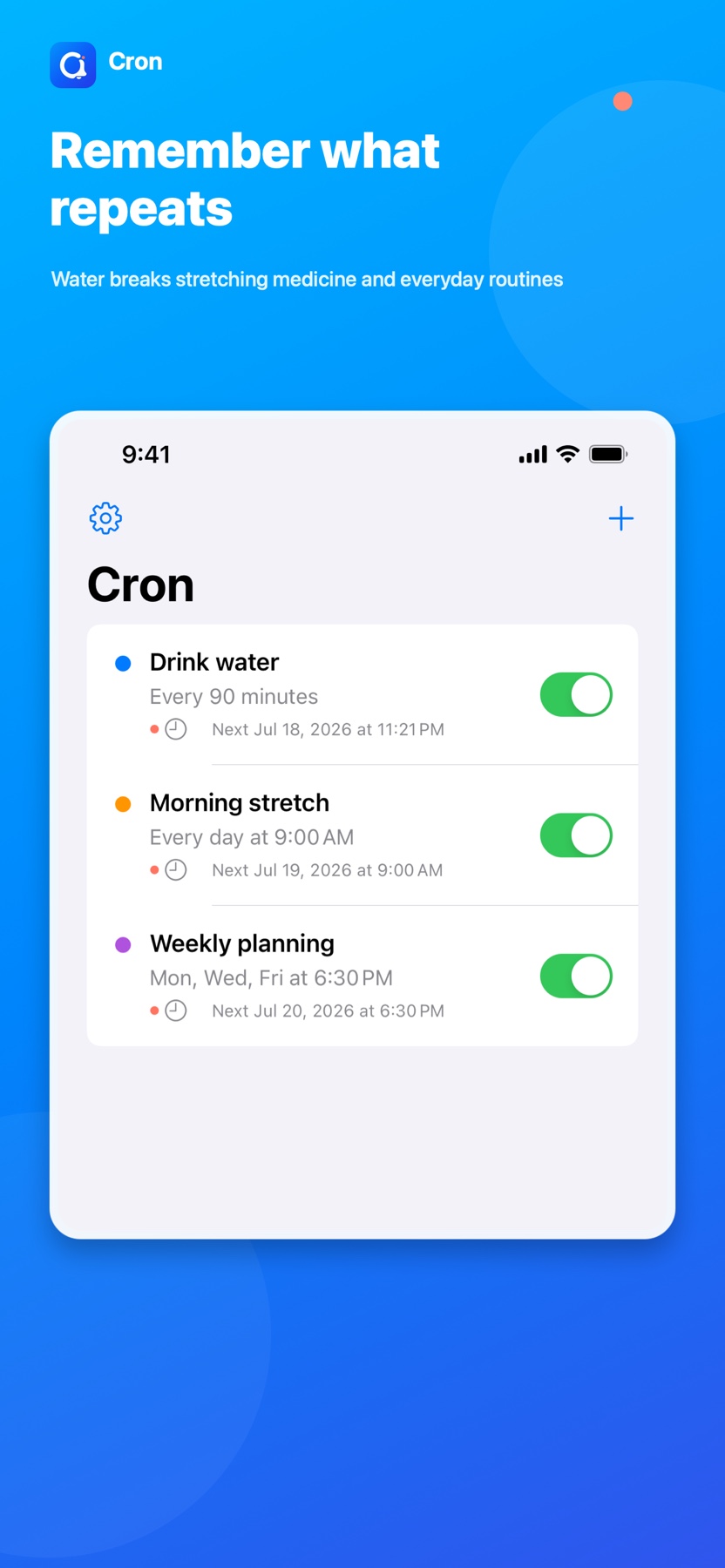
Busy days make recurring things easy to forget. Set Cron for water breaks, stretching, medicine, commutes, or any routine, then see exactly when the next alert will arrive.
- 5 schedulesinterval to weekdays
- 30 to 150 minquick intervals
- Exact next alertbefore you save
- On deviceyour Cron details
Built around your rhythm
Your routine.
Your timing.
Choose how often something comes back, and Cron keeps the next alert clear from the moment you save.
-
Repeat by interval
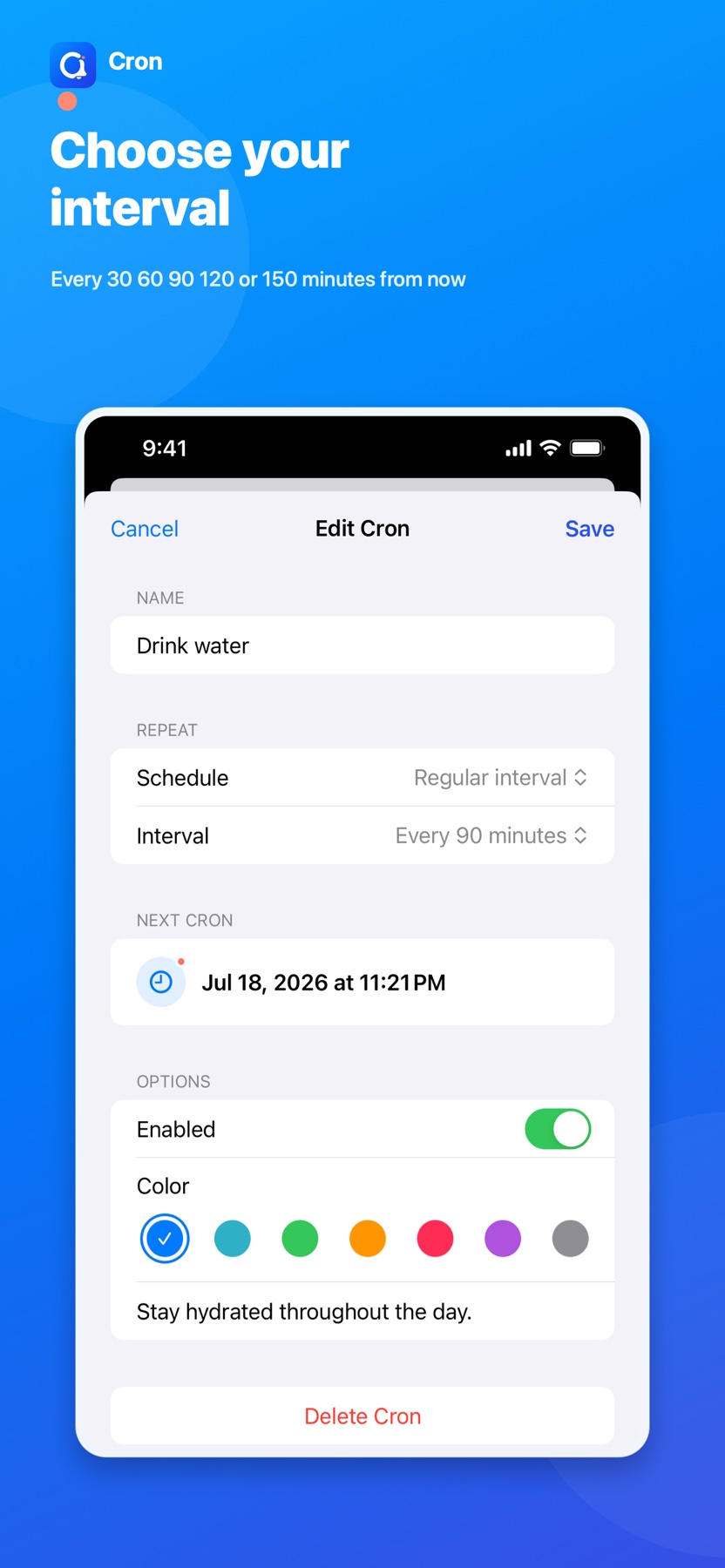
Start now and repeat every 30, 60, 90, 120, or 150 minutes.
-
Meet the clock
Get an alert every hour at the minute you choose, or every day at a regular time.
-
Choose your days
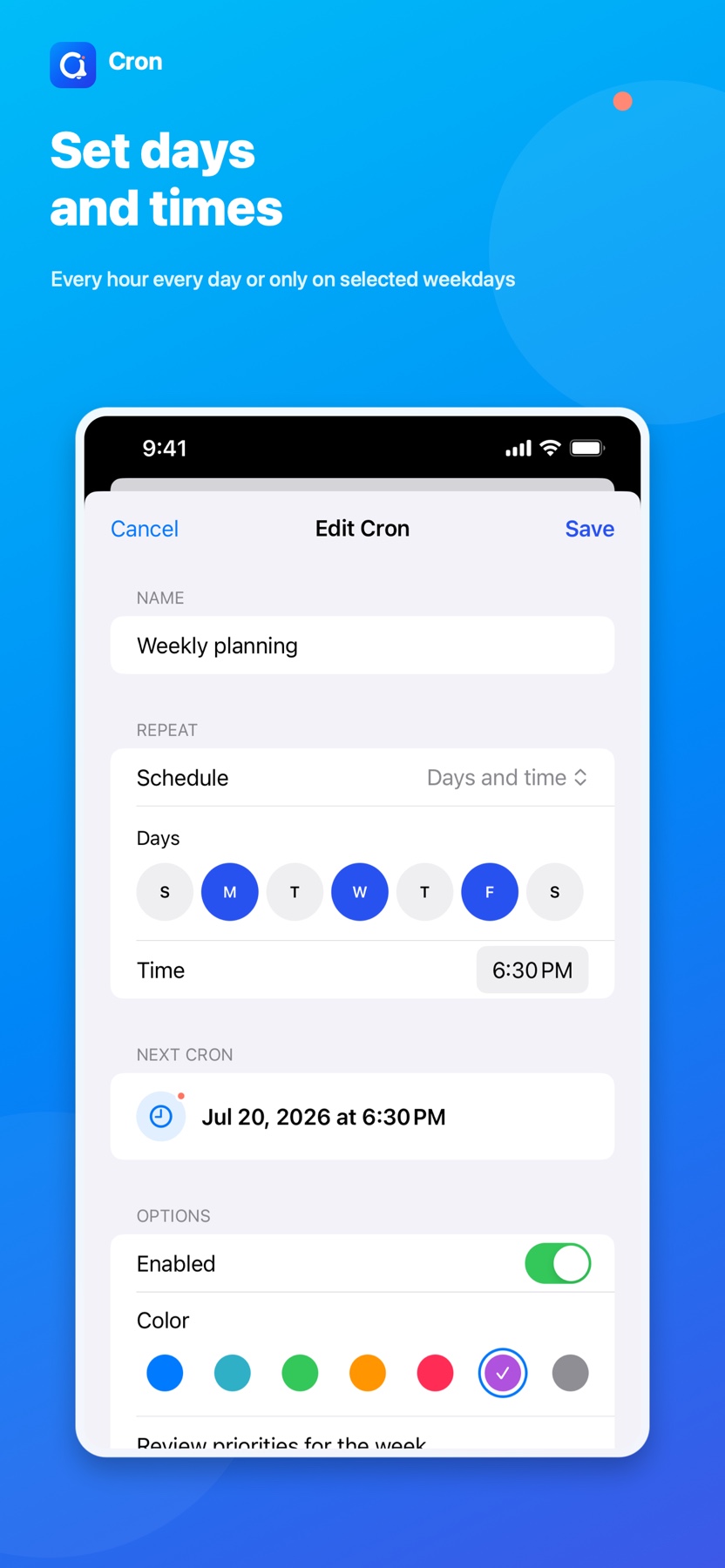
Set recurring alerts for selected weekdays and a specific time.
Built for recurring moments
A clear rhythm.
At a glance.
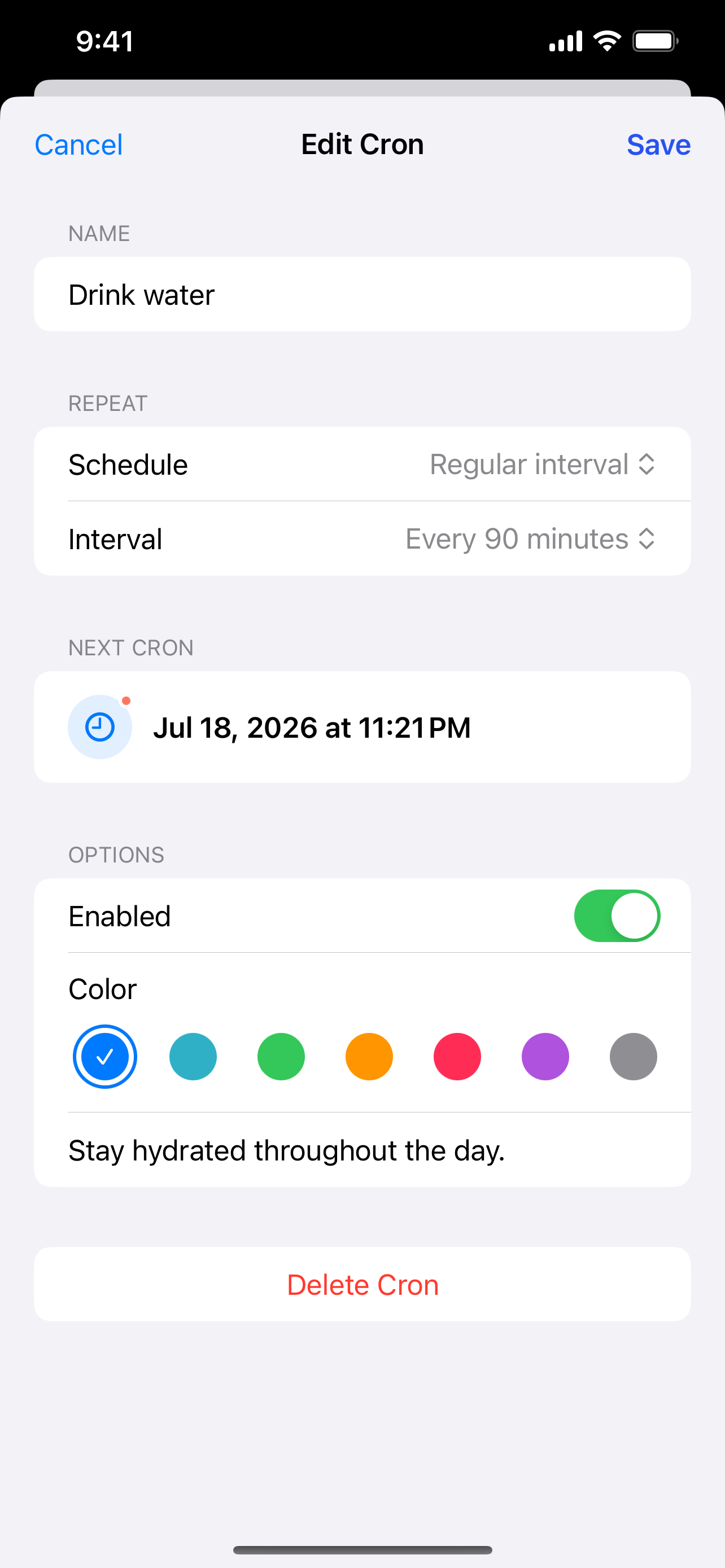
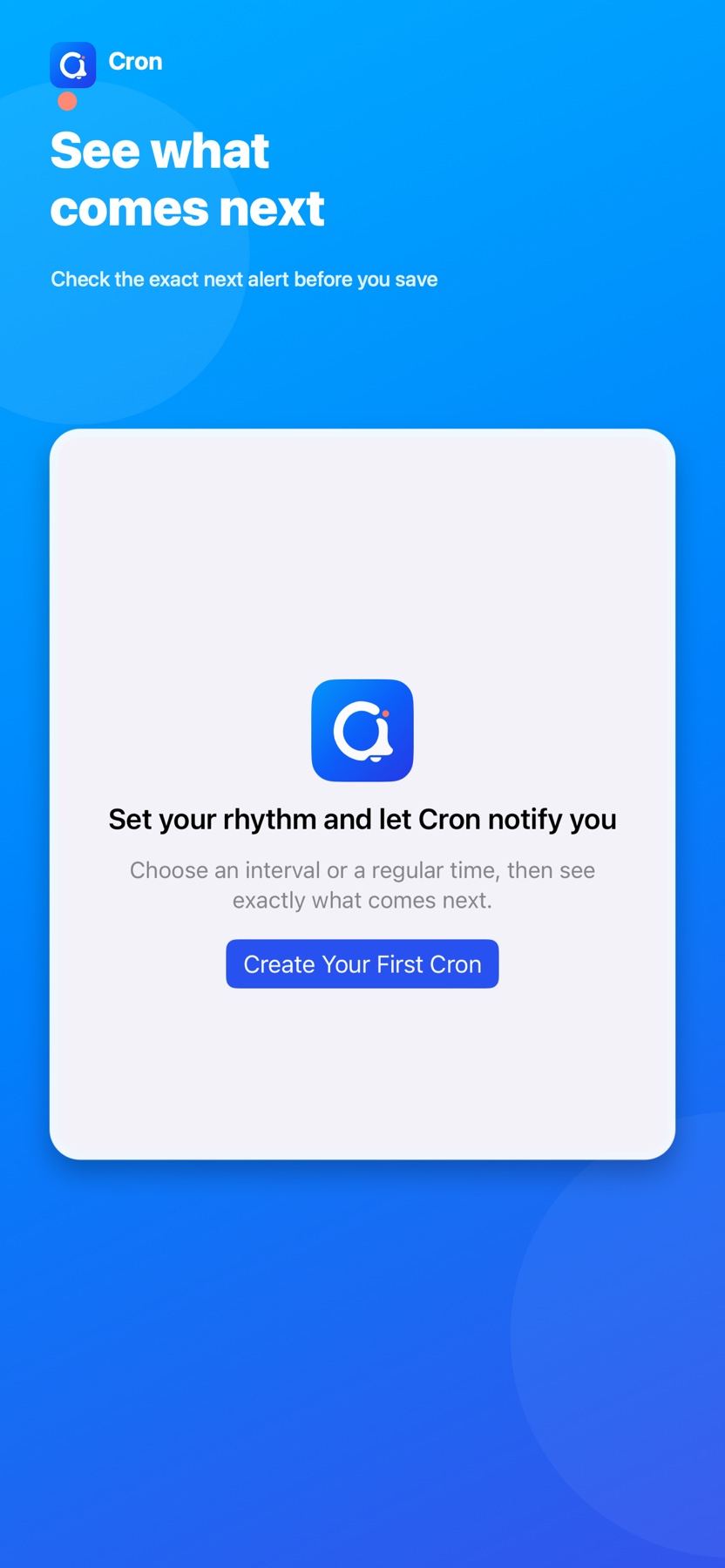
Set the repeating rule, preview the next alert, and keep every active Cron easy to understand.
A shorter path
Set the rhythm.
Keep moving.
Cron makes every repeating rule and its next alert predictable before you save.
-
01
Name the routine
Write the short title you want to see in every notification.
-
02
Choose the rule
Pick an interval, hourly minute, daily time, or selected weekdays.
-
03
Check the next alert
Confirm the exact date and time, save, and get back to your day.
Simple and private
Your alerts stay yours.
Cron titles, notes, and schedules stay on your device. Core alert features work offline, and Cron content is never used for advertising. Personalized ads are requested only within your privacy choices.
Read the Privacy PolicySupport and feedback
Have a question
about Cron?
Send a bug report, feature idea, or anything you would like us to know. The contact form is the quickest way to reach us.
Cron 2.0
Keep your rhythm.
One Cron at a time.
Set the recurring alert once and let Cron remember what comes next.
Download on the App Store